Pay for your subscription
Dieser Inhalt ist noch nicht in deiner Sprache verfügbar.
Add a payment card so your organization keeps using Pauzora after the free trial, or so it gets full access back after it became read-only.
Before you start
- You need to be an administrator of your organization. Other people who open the page see “Only an administrator can manage your organization’s subscription.”
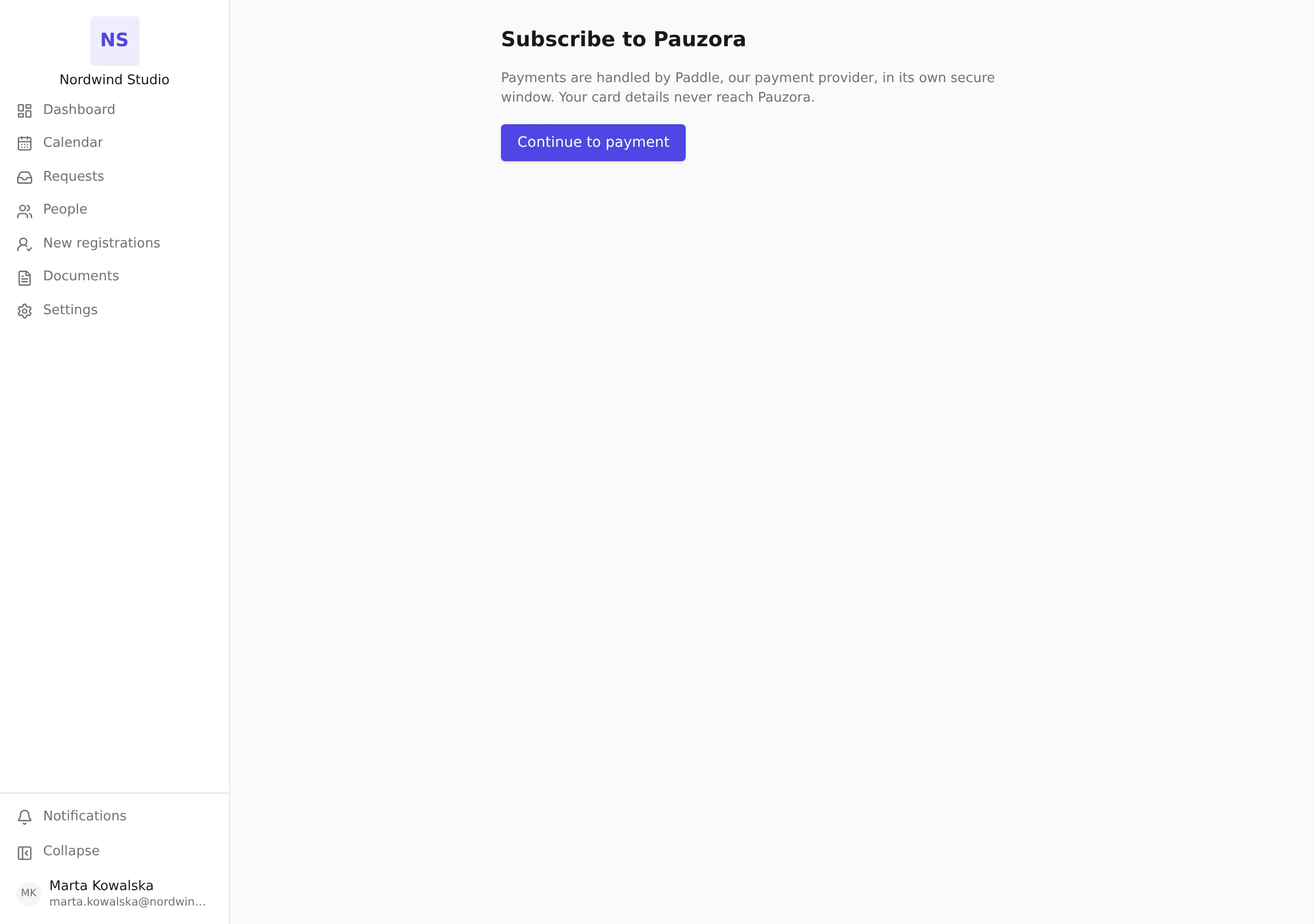
- Payments are taken by Paddle, our payment provider, in its own secure window. Your card details never reach Pauzora, and the receipt and invoices come from Paddle.
- If your organization has promotional access, there is nothing to pay for: the page tells you so and does not open a payment window.
- Paying works while your organization is read-only too. That is the way back to full access after a trial ends without a card, or after a card kept failing.
Steps
- Open
/billing/checkouton your organization’s Pauzora address — the address you sign in at, followed by/billing/checkout. - Click Continue to payment.
- In Paddle’s window, enter the card and billing details and confirm.
What happens next
- When Paddle’s window closes after a successful payment, the page says “Payment received.” Your organization becomes active as soon as Paddle confirms the payment to Pauzora, usually within a few seconds.
- If a later payment fails, Paddle retries it on its own schedule. Your organization keeps full access while Paddle retries, and administrators receive a billing notice by email. See Notifications you receive.
- If you see “Your organization already has an active subscription.”, the card is already on file; there is nothing to do here.